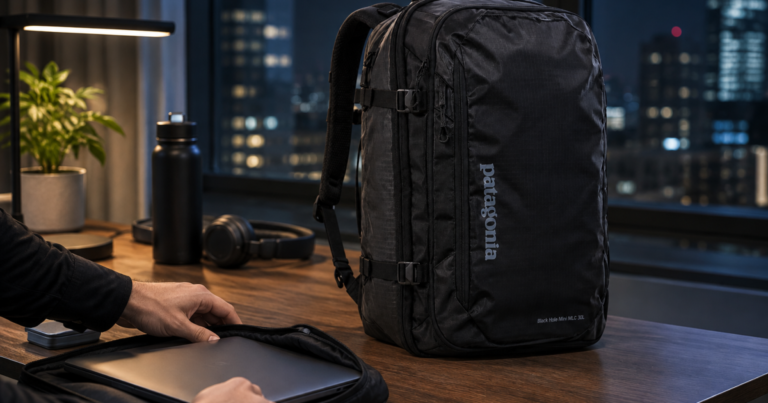
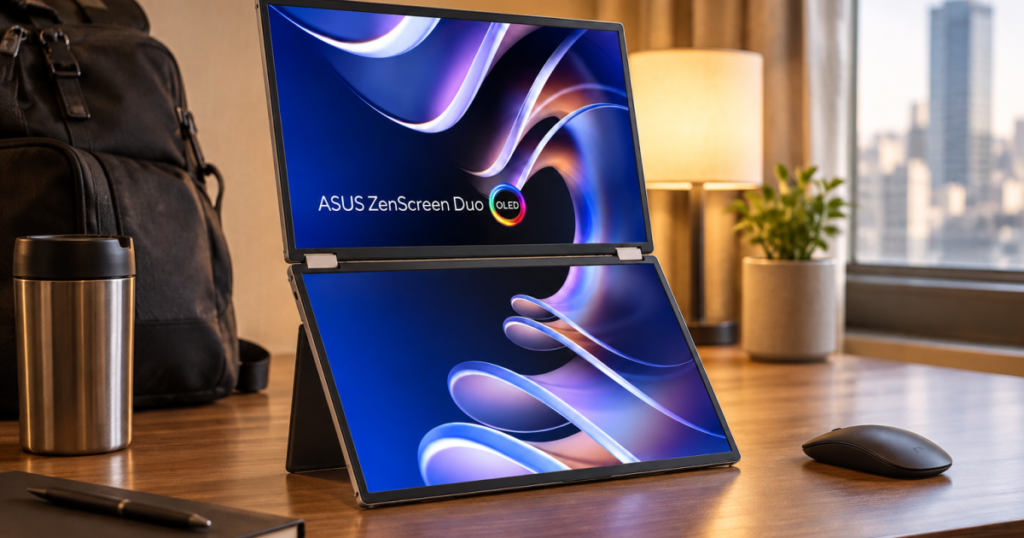
A second screen is useful on the road; two external screens in one folding slab is a much more specific bet. This ASUS ZenScreen Duo OLED MQ149CD review focuses on whether that bet makes sense for travel work: laptop dashboards, reference docs, email, chat, timelines, and presentation prep on temporary desks that were not designed with your workflow in mind.
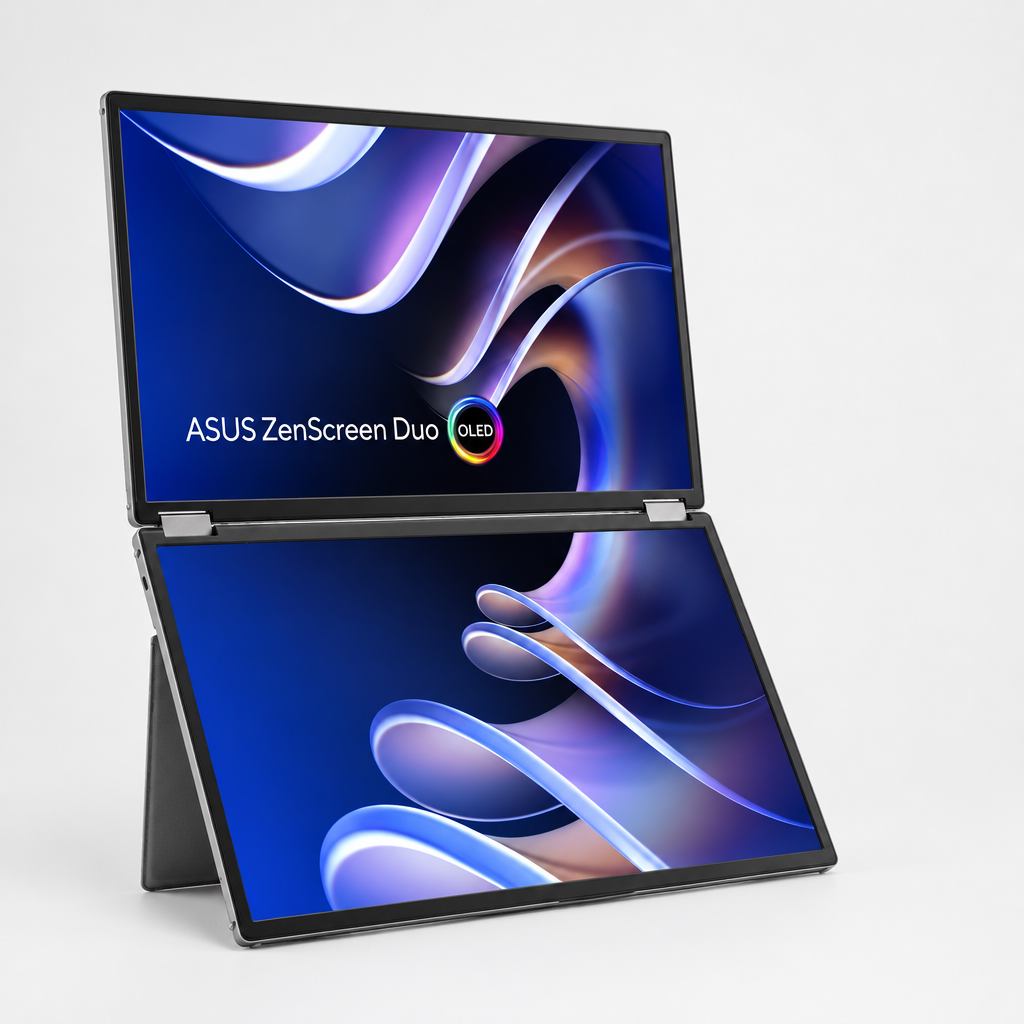
ASUS ZenScreen Duo OLED MQ149CD
Worth considering if dual OLED workspace matters more than the simplicity of a single portable screen
The ASUS ZenScreen Duo OLED MQ149CD is a portable dual-screen OLED monitor, not a standalone computer. Its primary job depends on a compatible video source: either a USB-C host with DisplayPort Alt Mode for single-cable power and video, or an HDMI source with separate USB-C power. That companion-device reality is the whole purchase decision.
Pros & Cons
Pros
- Dual 14-inch OLED panels create a more serious mobile workspace than a standard single portable monitor.
- The 360-degree folding design gives a 20-inch workspace while keeping the monitor packable.
- Strong color specifications and HDR support make it credible for visual work, not just email and documents.
- USB-C DisplayPort Alt Mode and Mini HDMI support give it useful connection flexibility.
Cons
- Laptop-powered use can limit brightness or stability when input power is insufficient.
- Touch, stylus, and writing workflows are not supported.
- Ergonomic height adjustment needs a separate compatible tripod or stand.
Product Details
- Dual 14-inch OLED screens with 1920 x 1200 resolution and a 16:10 aspect ratio.
- 360-degree folding design that unfolds for a 20-inch workspace.
- OLED panel with a glare display surface.
- 400 cd/m² typical brightness and 500 cd/m² HDR peak brightness.
- 100% DCI-P3 color coverage, Delta E under 2, 1.0737 billion colors, and 10-bit color.
- 60 Hz maximum refresh rate and 1 ms GTG response time.
- HDR10 support and VESA DisplayHDR 400 True Black certification.
- Ports: two USB-C ports with DisplayPort Alt Mode and one Mini HDMI port.
- 13 W power consumption; 100-240 V, 50/60 Hz input.
- Approximate size: 12.6 x 8.3 x 0.6 inches; net weight about 2.36 pounds.
- Independent, Extend, Mirror, and Split modes via OSD control.
The real appeal: two 14-inch OLED screens without packing two monitors
The clearest reason to consider the ASUS ZenScreen Duo OLED MQ149CD is simple: it gives you dual 14-inch external screens in one folding portable monitor. That is not the same use case as a single 15.6-inch portable display. It is for people who genuinely benefit from separating work surfaces.
For travel work, that can mean a calendar and chat on one panel, a browser or document on another, and the laptop screen reserved for the main task. It can also support presentation prep, spreadsheet-reference work, notes next to a video call, or creator workflows where the timeline, preview, and reference material compete for space. The 16:10 aspect ratio helps here because it gives slightly more vertical room than a traditional 16:9 portable screen.
The trade-off is footprint and setup intent. A folding dual-screen monitor asks for more desk width and more cable discipline than a tablet propped up beside a laptop. If your travel days are mostly quick email sessions in airport lounges, this is more monitor than you need. If you regularly build a real workstation in hotel rooms or rentals, the format starts to make sense.
For a broader decision on whether this kind of screen belongs in your bag at all, the site’s guide to choosing between a portable monitor and a tablet is a useful next step.
Display quality is a strength, with one travel caveat
ASUS gives the ASUS ZenScreen Duo OLED MQ149CD OLED panels, 100% DCI-P3 coverage, Delta E under 2, 10-bit color, HDR10 support, and VESA DisplayHDR 400 True Black certification. Those specifications put the display story well beyond basic document work. The editorial read: this monitor is not only about adding more pixels; it is about adding a more visually capable portable workspace.
That matters if your travel work includes design review, media organization, slide decks, photography selection, or anything where color and contrast influence decisions. It also makes the monitor more pleasant for dense dashboards and dark-mode workflows, where OLED contrast can make visual separation feel cleaner.
The caveat is the glare surface. A glossy OLED panel can look excellent in controlled lighting, but temporary workspaces are rarely controlled. A hotel desk facing a bright window, a shared workspace with overhead lights, or a train seat with shifting reflections can make a glare display more demanding than a matte portable monitor. This does not cancel the appeal, but it changes where the monitor is most comfortable: dimmer rooms, adjustable lighting, and setups where you can choose the screen angle.
Power and ports: the convenience depends on your host device
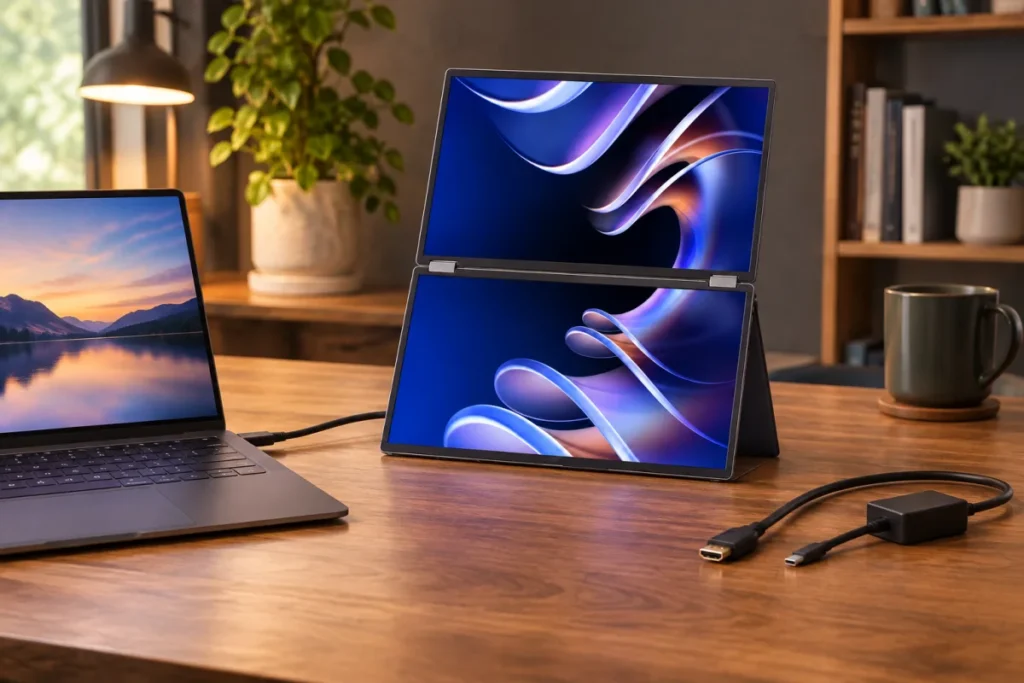
The ASUS ZenScreen Duo OLED MQ149CD has two USB-C ports with DisplayPort Alt Mode and one Mini HDMI port. In the cleanest version of the setup, a compatible USB-C laptop can send video and power through one cable. That is the version travel workers want: fewer wall plugs, fewer loose adapters, and less cable spaghetti across a shallow desk.
But the product is not equally frictionless in every configuration. HDMI use requires separate USB-C power. ASUS also notes that without the monitor adapter, laptop-powered use can cap brightness at 20 or 30 depending on detected input power, and the monitor may restart if laptop power is insufficient. In plain terms: the monitor can be a lean one-cable accessory in the right setup, but maximum brightness and stability point toward carrying external power.
That is not unusual for ambitious portable displays, but it is important for packing. If you are already carrying a USB-C charger with enough headroom for laptop plus accessories, the extra power requirement is manageable. If you are trying to run a whole workday from a single low-output adapter or a marginal port, the ASUS ZenScreen Duo OLED MQ149CD is likely to expose that weakness quickly.
Power planning is also where a compact multi-port charger can make or break the desk. The Anker Prime Charger 100W review is worth reading if your current adapter setup is already crowded before adding an external monitor.
The folding design saves packing space, not ergonomic height
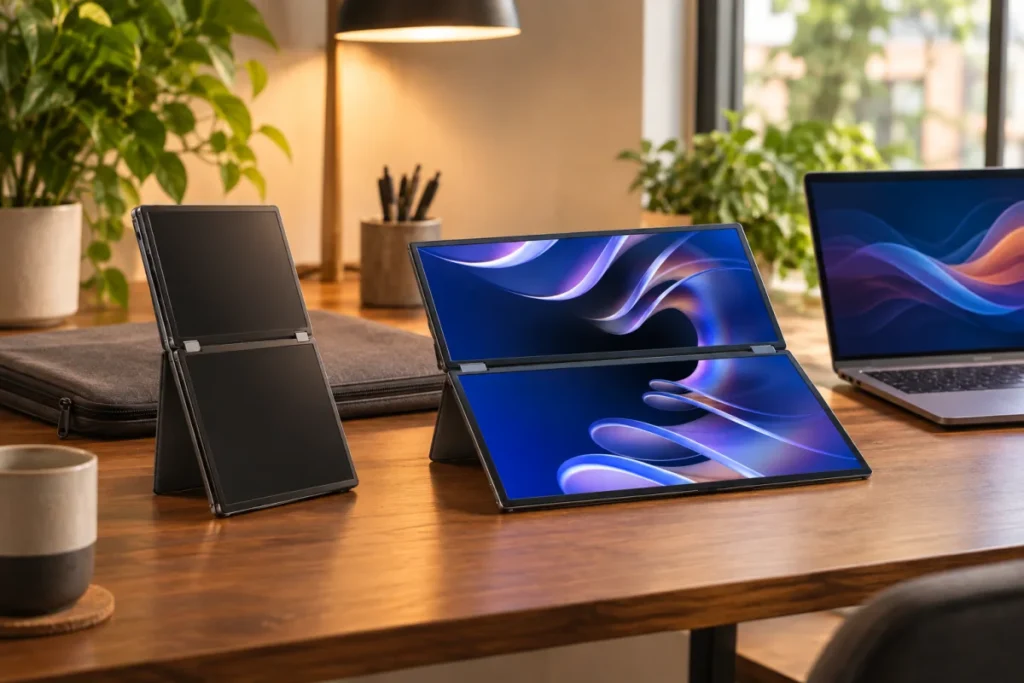
The 360-degree folding design is the clever part of the ASUS ZenScreen Duo OLED MQ149CD. It lets the two panels fold together for transport, then open into a larger 20-inch workspace. At about 12.6 x 8.3 x 0.6 inches and 2.36 pounds, it is not weightless, but it is far easier to justify than carrying two separate external displays, two sleeves, and a tangle of duplicate cables.
Still, folding does not solve everything. Height adjustment is not built into the monitor body. ASUS lists a tripod socket, but the ASUS ZenScreen Stand MTS02D tripod stand is not included and must be purchased separately. For long work sessions, that matters. A dual-screen layout positioned too low can encourage the same hunched posture problem as a bare laptop, just with more screen area.
The practical desk setup is to treat this monitor as part of a system: laptop, monitor, compact stand or tripod if you need height, charger, and the right cables. On a deep rental desk, that can feel polished. On a tiny hotel desk, the footprint and cable run need planning. The monitor is portable; the full comfortable workstation still takes intention.
Modes and software: useful flexibility, with boundaries
The ASUS ZenScreen Duo OLED MQ149CD supports Independent, Extend, Mirror, and Split modes via OSD control. That gives it meaningful flexibility for different workdays. Extend mode is the obvious productivity choice. Mirror mode can be useful for quick sharing. Split and independent layouts help when the two panels need to behave more deliberately rather than acting like one generic slab of screen space.
The software-dependent details are less universal. Auto-rotate requires ASUS DisplayWidget Center. ASUS states that HDMI does not support DisplayWidget Center software, and auto-rotate only supports mirror and split mode with USB-C 2. That makes the USB-C path the more complete experience, while HDMI is better treated as a workable fallback for compatible video sources that still need separate power.
There are also workflow limits. The ASUS ZenScreen Duo OLED MQ149CD is not a touchscreen and does not support writing or stylus input. It has no listed built-in speaker. If your ideal second-screen setup involves marking PDFs by hand, sketching, signing documents, or using tablet-style pen controls, this is the wrong tool. It is a display expansion product, not a tablet replacement.
Compatibility is the make-or-break issue
The strongest buyers for the ASUS ZenScreen Duo OLED MQ149CD are mobile productivity users who want dual external screens in a foldable monitor rather than a conventional single portable display. That includes consultants, analysts, project leads, developers, creators, and remote workers who routinely juggle multiple windows and can justify the setup time.
The weaker fit is the ultra-minimal traveler who values instant deployment above all else. This monitor wants a compatible host, enough power, and a desk layout that can support the unfolded workspace. It also asks for realistic expectations around MacBook or phone extended-display workflows, because ASUS documents single-external-display limitations in some cases. For those users, the monitor may still be useful, but it should not be bought on the assumption that every device will drive every layout exactly the way a desktop workstation would.
OLED care also belongs in the decision. ASUS states that a crease in the folding area is normal due to the OLED fold monitor material and characteristics. Some buyers will barely care once the screen is in use; others who are sensitive to visible fold artifacts should consider that before choosing a foldable OLED monitor over a conventional portable display.
Verdict
Score: 8.7/10.
The ASUS ZenScreen Duo OLED MQ149CD is a strong fit for travel workers who actually need two external work surfaces and are willing to pack around that ambition. The score is driven most by the dual 14-inch OLED configuration, the 1920 x 1200 16:10 workspace, and the foldable design that makes a larger mobile display setup more packable than carrying two separate monitors.
The limits are not small, but they are clear. It needs the right host and power setup, HDMI requires separate USB-C power, height adjustment depends on an added stand or tripod, and touch or pen workflows are off the table. For the right buyer, this is a capable, premium-feeling way to build a serious temporary desk. For quick-trip minimalists, a simpler single display will be easier to live with.
ASUS ZenScreen Duo OLED MQ149CD
Worth considering if dual OLED workspace matters more than the simplicity of a single portable screen
You might also like: GL.iNet Beryl AX (GL-MT3000) Review: travel-router control for messy work Wi-Fi.