
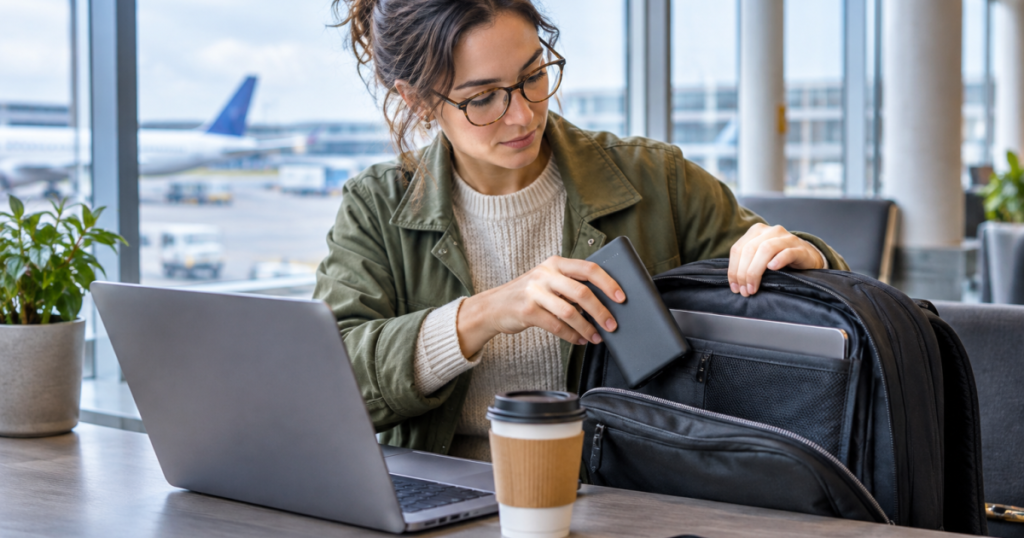
Your laptop bag is usually the right home for a power bank, not just because it is convenient, but because airline battery rules are built around access. For remote workers, the power bank carry-on rules are simple in principle: pack spare lithium-ion batteries and power banks in carry-on baggage, check the watt-hour rating, and keep them easy to remove if your bag is inspected or gate-checked.
Approval for carrying lithium-ion power banks over 100 Wh is handled by the airline, and packing must comply with FAA, TSA, and carrier lithium-battery requirements.
Main points before you pack
- Yes, you can usually fly with a power bank in your laptop bag. A laptop bag counts as carry-on baggage or a personal item when it stays with you in the cabin.
- Do not pack power banks in checked luggage. Power banks are treated as spare lithium-ion batteries, and spare lithium batteries belong in carry-on baggage.
- 100 Wh is the key threshold. Power banks at or below 100 watt-hours are generally allowed in carry-on baggage without airline approval, subject to airline limits and screening.
- 101–160 Wh is a different category. These batteries typically require airline approval, and carriers may limit how many you can bring.
- The printed label matters. If the power bank has no readable capacity marking, security staff or airline staff may not be able to verify it.
- If your laptop bag is gate-checked, remove the power bank first. Keep it with you in the cabin, even if the bag itself has to go below.
For a work trip, that means your backup battery should sit in an accessible tech pocket or pouch, not at the bottom of a clothing cube. It should be close enough to pull out during screening, protect from loose metal objects, and move quickly to your jacket pocket or seat-back bag if boarding logistics change.
Why power banks belong in your laptop bag
A power bank is not treated like a wall charger. A wall charger plugs into an outlet and does not store meaningful energy once unplugged. A power bank stores energy in lithium-ion cells, which is why airlines and safety agencies treat it as a spare battery.
That distinction matters on travel days because the safest place for a spare lithium battery is somewhere cabin crew can access it if there is a problem. Checked luggage goes into the cargo hold, where access is limited during flight. Your laptop bag, personal item, or carry-on roller stays within reach.
This is also better packing architecture. Your power bank is daily-access gear, not backup equipment that can disappear into the depths of your bag. If you are trying to finish edits in the terminal, keep a phone alive for rideshare coordination, or bridge a long delay before hotel check-in, the bank needs to be reachable without unpacking your entire mobile office. For planning the whole day around battery, calls, and focus blocks, it pairs well with a broader remote work travel day plan.
How to check the watt-hour rating
The most useful number on a power bank label is Wh, short for watt-hours. Watt-hours describe stored energy. Many airlines use this number because it is more precise than a simple mAh capacity claim.
If the label already lists Wh, use that number. If it lists milliamp-hours and voltage, you can calculate watt-hours with this formula:
Wh = (mAh × V) ÷ 1,000
Examples using a 3.7 V battery rating:
- 10,000 mAh at 3.7 V: 37 Wh
- 20,000 mAh at 3.7 V: 74 Wh
- 26,800 mAh at 3.7 V: about 99 Wh
- 30,000 mAh at 3.7 V: 111 Wh
These examples show why the printed voltage matters. Do not calculate from USB output voltage unless the manufacturer label tells you to. Many power banks advertise capacity based on the internal cell voltage, commonly printed around 3.6 V or 3.7 V, while USB output may be 5 V, 9 V, 15 V, or 20 V depending on the charging mode. The label or manufacturer documentation should settle the question.
For any laptop-capable bank, including a Anker Prime 20,000mAh Power Bank (200W), read the actual Wh marking rather than relying on the headline wattage. The 200 W figure describes output capability, not the stored-energy limit used for airline battery categories.
What the 100 Wh and 160 Wh limits mean
For flights governed by FAA and TSA rules, spare lithium-ion batteries and power banks up to 100 Wh are generally allowed in carry-on baggage. Airline policies can still set quantity limits or additional conditions, so the rule is not a promise that every battery will pass every itinerary without question.
Power banks above 100 Wh and up to 160 Wh usually move into an approval category. That means you should contact or check the airline before travel, because approval is not something you want to negotiate at the security line or boarding door. Carriers commonly restrict the number of spare batteries in this range.
Power banks above 160 Wh are not appropriate for normal passenger carry-on travel unless a very specific carrier-approved exception applies. For most remote workers, the cleanest answer is to choose a bank that is clearly labeled at or below 100 Wh.
The 100 Wh line is also a useful packing discipline. It encourages one capable, clearly labeled bank instead of a pile of mystery batteries collected across past trips. A simpler kit is easier to inspect, easier to explain, and easier to maintain.
How to place it inside a laptop bag
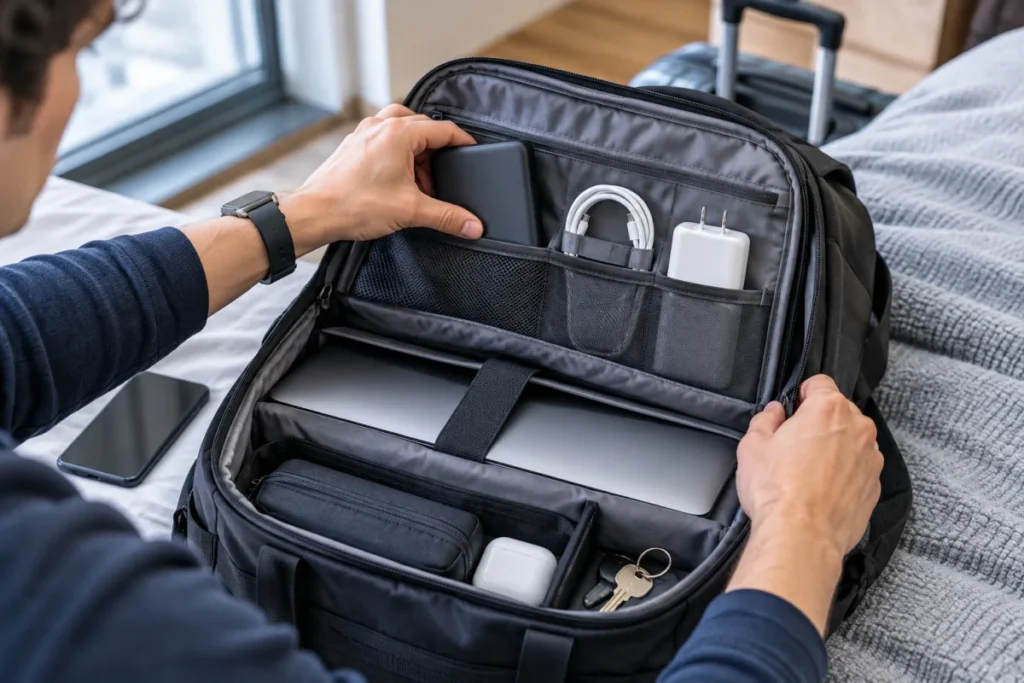
The best placement is boring, visible, and repeatable. Put the power bank in the same pouch or pocket every trip, ideally near your charging cable, USB-C cable, and small wall charger. That prevents the late-night hotel-desk search where every black rectangle looks like every other black rectangle.
A good laptop-bag layout separates three layers:
- Fast-access layer: passport, phone, earbuds, power bank, one charging cable, and anything you may need in the terminal.
- Workstation layer: laptop, compact stand, keyboard, mouse, hub, and monitor cables if you carry them.
- Reserve layer: adapters, spare cables, backup drive, and items you only need if something breaks or the room setup is awkward.
Do not toss the bank loose into a pocket with keys, coins, or metal pens. Use a tech pouch, sleeve, or dedicated pocket so the ports are protected and the power button is not pressed repeatedly in transit. If the power bank looks swollen, damaged, unusually hot, or compromised, do not travel with it.
Bag design can make this easier or harder. Clamshell travel packs with separate laptop and admin sections help keep tech visible during security checks, while deep top-loaders can bury small batteries under clothes and toiletries. If you are refining your carry-on layout, the Cotopaxi Allpa 35L travel pack review is a useful example of thinking through work-trip packing zones rather than treating the bag as one big cavity.
Remote-work examples that change the decision
One laptop, one phone, short domestic trip
A clearly labeled power bank under 100 Wh in your laptop bag is usually the simplest fit. Keep it in your personal item so you can charge at the gate, on the plane if allowed, or in the rideshare line after landing. You may not need a huge capacity bank if your main charging plan is an outlet-based GaN charger.
Long travel day with calls after arrival
Prioritize access over minimalism. Put the power bank where you can reach it without opening the main compartment. A delayed flight plus a video call after check-in is exactly when backup power earns its space. Also keep one known-good cable with it; a compliant battery is not much help if the cable you need is buried in a suitcase.
International itinerary with multiple carriers
Check the strictest airline on the itinerary, not just the first one. Lithium-battery rules are broadly aligned across many carriers, but approval processes and enforcement can vary. A power bank that creates no issue on one flight can still invite questions on another if the label is unclear or the capacity is above 100 Wh.
Two high-capacity banks for creator work
This is where a tidy plan matters. If both banks are at or below 100 Wh and clearly labeled, the packing question is still manageable, but airline quantity limits may apply. If either bank is over 100 Wh, treat the trip as airline-approval territory. For most mobile-office travelers, two smaller compliant banks are often easier to manage than one oversized unit that needs extra scrutiny.
Charger, power bank, or both?
A power bank solves a different problem than a wall charger. The bank covers movement: terminals, trains, lounges without open outlets, rides, and awkward hotel setups. A compact wall charger covers sustained work once you find reliable power.
If your laptop, phone, earbuds, hotspot, and portable monitor all depend on USB-C, your wall charger and power bank should be planned together. The charger handles the nightly reset; the bank handles the gaps. For outlet-based travel power, the Anker Prime Charger 100W, 3 Ports review shows the kind of compact charging setup that can reduce how much battery capacity you feel pressured to carry.
Do not assume a power bank can run every laptop workload just because it has a USB-C port. Laptop charging depends on the device, cable, power-delivery profile, and the bank’s output rating. For airline packing, stored energy in Wh is the key number; for actual work use, output and cable capability become the next checks.
Pre-flight battery check
- Confirm the label: Look for Wh. If only mAh and V are shown, calculate Wh before travel.
- Check the threshold: At or below 100 Wh is the cleanest carry-on category. 101–160 Wh requires airline approval.
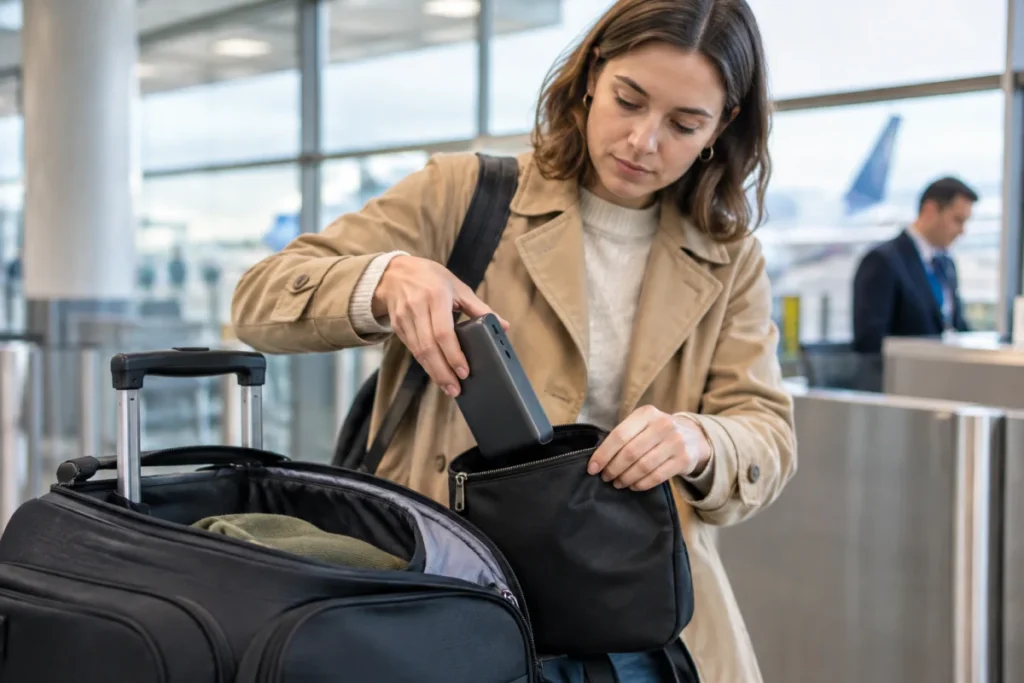
- Pack it in cabin baggage: Put it in your laptop bag, personal item, or carry-on, never in checked luggage.
- Make it removable: If the bag is gate-checked, pull the power bank out before handing the bag over.
- Protect the ports: Use a pouch or dedicated pocket, away from loose metal items.
- Bring the right cable: Match the cable to the device you actually need to charge during the travel day.
- Inspect condition: Do not fly with a damaged, swollen, leaking, or overheating battery.
Straight answers
Can a power bank go in a laptop bag?
Yes. A laptop bag is usually the best place for a power bank because it stays with you in the cabin and keeps the battery accessible for inspection, charging, and gate-check changes.
Can I put a power bank in checked luggage?
No. Power banks are spare lithium-ion batteries, and spare lithium batteries should be packed in carry-on baggage, not checked bags.
What if my carry-on is taken at the gate?
Remove the power bank before the bag is checked. Put the bank in your personal item, jacket pocket, or another cabin bag that remains with you.
Is a 20,000 mAh power bank allowed on a plane?
Often, but check the Wh rating. A 20,000 mAh bank rated at 3.7 V is about 74 Wh, but the printed label is what matters. If the label is unclear, airline or security staff may not be able to verify it.
Does TSA care about the brand?
The brand is usually less important than the battery type, condition, placement, and capacity marking. A clear Wh label and carry-on placement make the screening conversation much easier.
Before you zip the laptop bag
For remote work travel, the clean setup is simple: carry the power bank in your laptop bag, keep it under a clearly marked 100 Wh when possible, and make it easy to remove. That single habit protects your travel-day power plan without adding drama to security, boarding, or the first work session after arrival.
The best battery setup is not the largest one you can find. It is the one you can legally carry, quickly identify, pair with the right cable, and reach at the exact moment your laptop or phone starts making ominous low-power decisions.