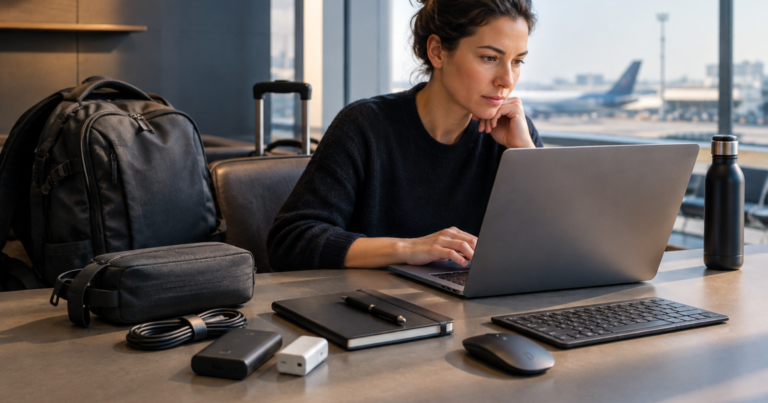
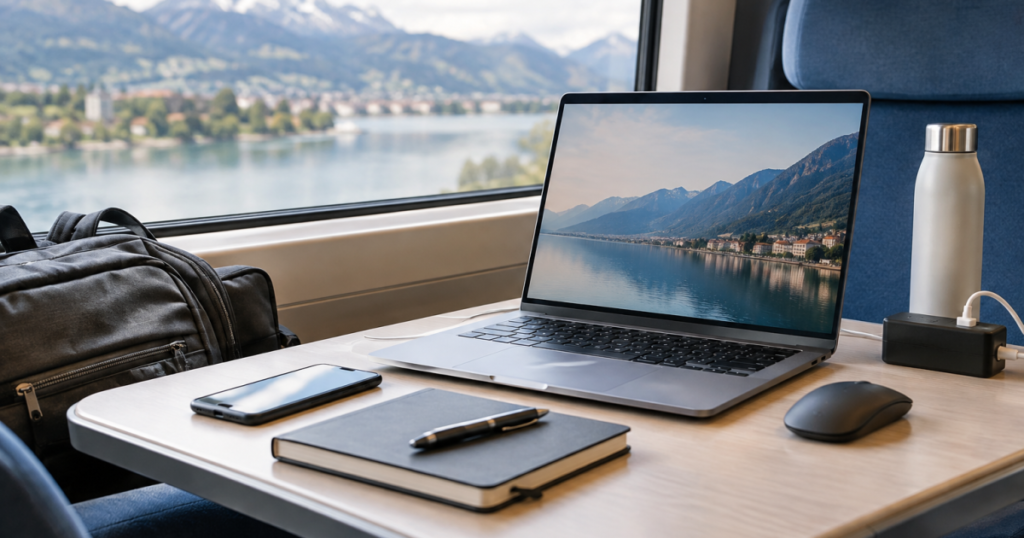
The mobile-office mindset starts with a blunt reality: travel work fails in small, boring ways. The desk is too shallow. The only outlet is behind the bed. The Wi-Fi is fine until your call starts. A compact work setup should not try to recreate your home desk piece by piece. It should protect the work that matters when the room, schedule, furniture, power, and connection are all slightly worse than expected.
Related reading · Honda EU2200i Review: Compact Inverter Power for Small Essentials
That shift changes what earns space in your bag. Instead of asking, “What do I use at home?” ask, “What failure would actually hurt this trip?” The right kit is not the most minimal or the most gadget-heavy. It is the smallest system that keeps your laptop powered, your body tolerable, your calls credible, and your files and connection accessible when the environment refuses to cooperate.
The short version
A travel work setup should be designed around uncertainty, not comfort nostalgia. Your home desk is built for a known room; your mobile office is built for unknown desks, outlets, lighting, networks, and time pressure.
- Pack by function, not category: power, input, display, connection, audio, posture, storage, and carry layout.
- Reduce single points of failure: one charger can be smart; one cable for everything can be risky if it is the wrong cable.
- Favor fast deployment: a perfect setup that takes 20 minutes to assemble will often stay in the bag.
- Test compatibility before the trip: USB-C ports, cables, hubs, monitors, and chargers do not all support the same capabilities.
- Build for the workday you actually have: airport email triage, hotel video calls, and rental-house deep work need different compromises.
Home-desk thinking breaks down on the road
A home desk rewards optimization. You can tune monitor height, speaker placement, cable routing, chair position, lighting, and desk depth because the room stays put. Travel work rewards resilience. The setup has to work on a round cafe table, a hotel console, an airport counter, or a rental kitchen island with a chair designed by someone who hates lumbar support.
The common mistake is packing a miniature version of the home office: monitor, stand, keyboard, mouse, dock, headphones, charger, webcam, light, tablet, notebook, extra cable pouch, and “just in case” accessories. Some of that may be justified for long stays. For a normal work trip, the more useful question is whether each item prevents a likely failure or merely recreates a preference.
A compact laptop stand, for example, can be worth it if you type for hours and carry a separate keyboard. Without the keyboard, lifting the laptop may create a new problem. A portable monitor can be excellent for spreadsheet work, design review, coding, or research-heavy writing, but it also adds surface-area needs, cable management, protection, and setup time. Every upgrade has a shadow cost.
Design around failure points, not objects
Think of the kit as a set of safeguards. You are not packing a charger; you are protecting power continuity. You are not packing headphones; you are protecting call clarity and focus. You are not packing a hub; you are protecting access to displays, storage, wired accessories, or presentation equipment.
Power: the first reliability layer
Your power setup should answer three questions before it goes in the bag: Can the charger run the laptop at an appropriate level? Can it also handle the phone and smaller devices? Do the cables actually support the power and data roles you expect?
This is where USB-C gets deceptively simple. A cable that charges a phone may not be the right cable for a laptop, a portable monitor, or a hub. Charger wattage, cable rating, device power limits, and port behavior all matter. Before relying on one clean charging setup, check the basics of USB Power Delivery so you know what your devices are negotiating rather than guessing at the gate.
For longer travel days, a power bank may belong in the system, but airline rules matter. Keep battery capacity, carry-on rules, and approval thresholds in view before treating backup power as unlimited. The goal is not to carry a battery brick for every theoretical emergency. It is to cover the failure that would actually derail the day.
Connection: plan for the call, not the speed test
Download speed is the flashy number. Upload stability is often what makes or ruins a video call. A useful connectivity plan has layers: primary Wi-Fi, phone tethering, and a decision rule for when to switch before the meeting starts. If your work involves live demos, client calls, uploads, or streaming, test the connection early instead of discovering the problem 30 seconds into a screen share.
A travel router or hotspot can be useful in the right workflow, but neither makes a poor network magically excellent. The more reliable habit is arriving with a fallback connection and knowing which tasks can move offline if the connection drops. Drafting, editing, reviewing saved files, and inbox triage can often continue while upload-heavy work waits for better conditions.
Display: more screen can mean more friction
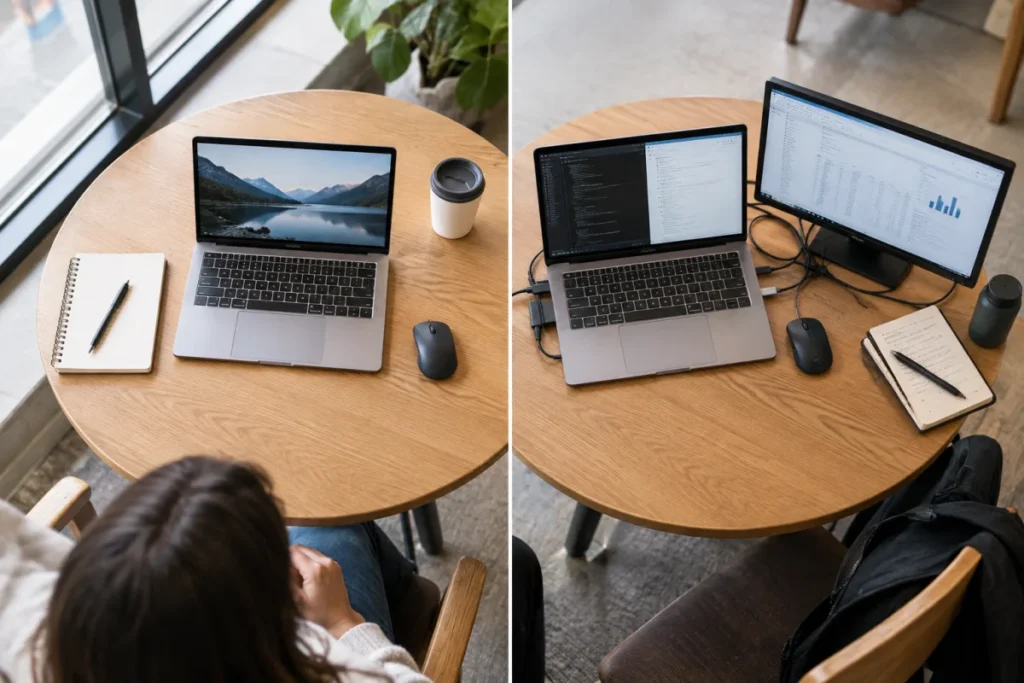
A second screen is not automatically an upgrade. It helps when the work benefits from simultaneous reference: code and preview, spreadsheet and notes, deck and source document, or call and agenda. It hurts when the desk is barely wider than the laptop, the cable path is awkward, or the monitor stand is unstable on a small table.
Before packing a portable monitor, decide whether the trip has enough deep-work blocks to justify it. For meeting-heavy travel, a laptop plus better audio may be the higher-value choice. For a week of analysis or production work, the display may easily earn its space. Compatibility is also not automatic; video over USB-C depends on what the laptop, cable, hub, and display support. The Travel Work Gear Compatibility Checker is a useful next stop when you are trying to confirm whether a planned cable-and-monitor chain makes sense.
A better packing model: build by work mode
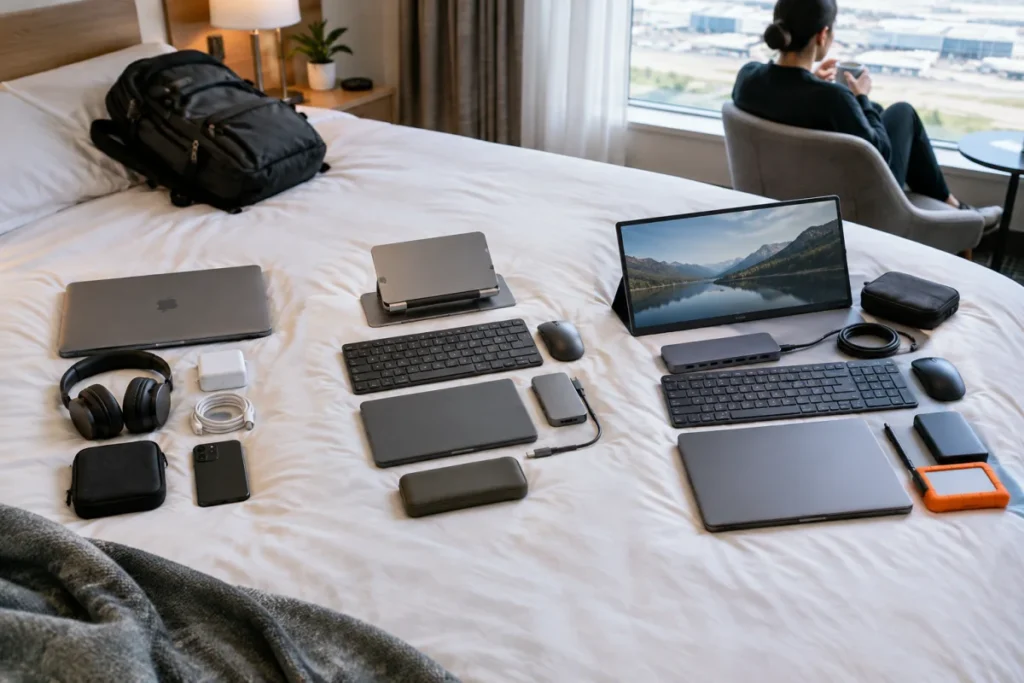
Instead of making one universal list, divide your setup into work modes. This keeps the bag lighter and the decisions sharper.
The transit mode
This is the kit for airplanes, trains, lounges, and short gaps. It should be fast, quiet, and self-contained: laptop, headphones or earbuds, charger, one verified cable, and the minimum files available offline. Transit mode is not where you build the perfect desk. It is where you protect focus during imperfect minutes.
The hotel-desk mode
This is the setup for calls, writing, planning, and normal work blocks. It may add a compact stand, separate keyboard, mouse or trackpad, better lighting placement, and a small cable organizer. The goal is a repeatable five-minute setup that improves posture and call presence without turning the room into a wiring project.
The extended-stay mode
This is where more gear starts to make sense. If you are working from one place for a week or more, a portable monitor, larger keyboard, fuller dock, or dedicated webcam can be reasonable. The difference is dwell time. More setup friction is easier to justify when you do it once and benefit for several days.
Compatibility is part of packing
The neatest-looking kit can still fail if the pieces do not talk to each other. USB-C ports may support charging, data, display output, or several of those at once, but the connector shape alone does not prove capability. Some displays need a port that supports video output. Some hubs need the right host port to unlock their full usefulness. Some cables are built mainly for charging, while others are suitable for higher data or display demands.
That is why a travel setup should be tested as a chain, not as individual items. Laptop to cable. Cable to hub. Hub to monitor. Charger to cable. Power bank to laptop. Do this before the trip, ideally with the exact items you plan to pack. A drawer full of nearly identical black cables is where confidence goes to die.
Labeling helps. A small tag or color band on the cable you trust for laptop charging or display use can save time when you are tired. Keep the cable pouch boring and deliberate: fewer duplicates, clearer roles, less rummaging.
Comfort is a constraint, not a luxury
Portable ergonomics should be scaled to the session. For 30 minutes, laptop-only work is often fine. For a full day, the same posture can become the tax you pay tomorrow. For multi-day trips, a stand-and-keyboard setup becomes less indulgent and more like routine maintenance for your ability to work.
Three adjustments usually matter more than carrying a large ergonomic kit: raise the screen when you can, separate typing from viewing for longer sessions, and move between work blocks. Temporary spaces rarely offer a perfect chair, so the setup should make bad furniture less punishing rather than pretending it can become a studio desk.
Lighting deserves the same practical treatment. Before packing a dedicated light, learn to use the room: face a window when possible, avoid bright light behind your head, and test your camera view before the call. A small light can help in dim rooms, but it is not a substitute for arriving five minutes early and checking what the other person will actually see.
Common mistakes that make mobile work heavier
- Packing for every possible trip: A conference sprint, client visit, and month-long rental do not need the same kit.
- Trusting connector shape: USB-C tells you the plug type, not the full power, video, or data capability.
- Overbuilding the desk: Too many pieces slow down setup and repacking, especially on short stays.
- Ignoring the return pack: If the system is annoying to repack, it will get messier every morning.
- Skipping the arrival test: Check outlets, Wi-Fi, camera angle, desk depth, and noise before the first serious call.
- Buying fixes before naming the problem: A new hub will not fix a bad cable, and a second screen will not fix a chaotic workflow.
Run a short pre-trip rehearsal
The cleanest way to find weak points is to work from the packed kit for half a day before leaving. Put the home charger, full-size keyboard, desk monitor, and office chair off limits. Use only what you plan to carry. You will quickly learn whether the cable is too short, the stand needs a keyboard, the charger has enough ports, or the pouch layout makes sense.
Then remove one item. If the system still works, keep it out. If removing it creates a real problem, it earns its place. This small audit is more honest than packing anxiety, and it usually saves space without making the setup fragile.
If this is your first serious travel-work setup, start with the simpler baseline in one laptop, one charger, and one backup connection. It is easier to add a proven upgrade later than to debug a complicated kit on the first morning of a trip.
Main lessons
The mobile-office mindset is not anti-gear. It is anti-friction. Good gear matters when it solves a specific travel failure: power uncertainty, weak connection, poor call audio, cramped desk space, uncomfortable posture, or unreliable compatibility. The mistake is assuming the goal is to duplicate a fixed desk in a smaller format.
Build the system around the work that would be costly to lose. Test it as a complete chain. Keep setup time low. Let trip length decide how much comfort gear is justified. The result is not a glamorous desk in a bag. It is better: a calm, repeatable way to open the laptop and get useful work done in rooms you did not design.