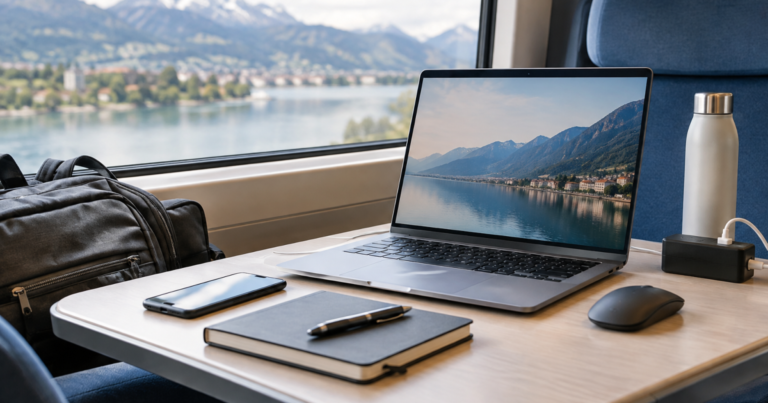
Most travel workdays fail at the seams: a weak outlet placement, a desk that barely fits a laptop, a call scheduled before the Wi-Fi is proven, or a charger buried under clothes. A useful mobile-office mindset starts with a different goal. You are not rebuilding your home desk in a hotel room. You are designing a compact system that keeps working when the room, network, lighting, and schedule are all slightly worse than expected.
That shift changes what earns space in your bag. The best travel setup is not the one with the most accessories. It is the one with the fewest fragile assumptions. Every item should help you deploy quickly, recover from a common failure, or stay comfortable enough to do real work without turning your carry-on into a rolling IT department.
Start with uncertainty, then choose the kit
A home office is stable. Your chair, monitor height, outlet locations, internet connection, and lighting are known. Travel work is the opposite: temporary, variable, and often discovered after check-in. Designing for uncertainty means you build around functions, not furniture.
A strong portable system answers five questions before you pack:
- Can I get online with a fallback if the primary connection is poor?
- Can I power the laptop, phone, headphones, and any second screen without outlet drama?
- Can I create an acceptable camera, microphone, and lighting setup in a room I did not choose?
- Can I work for a full session without hunching over a laptop-only setup?
- Can I pack down in under five minutes without leaving a cable in the wall?
The point is not perfection. It is controlled compromise. A slightly smaller keyboard you actually pack beats a full-size one that stays home. One reliable charging path beats three clever adapters that only work in the right order. A simple laptop stand and external input setup can do more for a long work block than a bulky monitor you dread setting up.
The mobile office is a system, not a pile of gear
It is easy to buy individual upgrades and still end up with a clumsy setup. A better approach is to define the jobs your kit must do, then remove duplication. Think in modules.
The core work module
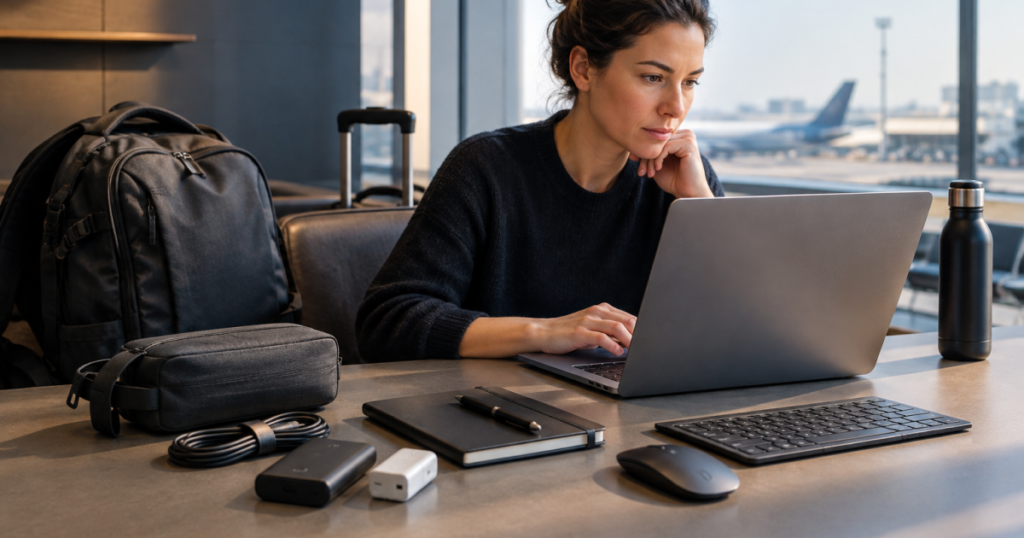
This is the minimum setup for a real work session: laptop, charger, one cable that supports the charging you need, earbuds or headphones, and a pointing/input option that does not strain your wrists. For short trips, this may be enough. For longer stays, add a compact stand and keyboard so the laptop screen can rise to a more comfortable height.
The call-ready module
Calls fail in more ways than people admit. Audio is usually more important than a beautiful background. A dependable headset, a neutral wall or corner, and a plan for lighting often matter more than chasing a studio look. Before an important meeting, test from the actual seat where you will take the call. That catches room echo, backlighting, and weak upload speed before other people do.
The power and cable module
Power planning is where tidy setups become reliable setups. Start with the laptop’s required charger wattage, then add phone, tablet, headphones, portable monitor, or hotspot needs. Your wall charger, cable, and device all have to support the result. A high-output charger does not help if the cable cannot carry the needed power, so verify the cable rating before travel; the site’s USB Type-C 60 W cable rating explainer is a useful reference when you are sorting basic USB-C charging limits.
Power banks deserve their own decision. They are excellent for airport delays, long train segments, and rooms with awkward outlets, but they add weight and air-travel constraints. Spare lithium-ion power banks are not just another accessory to toss anywhere in a bag; review the carry-on-only rule for spare power banks before you fly.
Design for the failures that actually happen
Most travel-work problems are not exotic. They are boring, repeatable, and therefore worth designing around. Treat them as predictable friction, not bad luck.
- Weak hotel Wi-Fi: Have a fallback plan, such as phone tethering or a second work location nearby. If a trip depends on video calls, check the property’s workability before committing. Start with the practical steps in checking hotel Wi-Fi before booking a work stay.
- Too few outlets: Pack one charger that can cover your normal device set, plus a cable layout that reaches from awkward wall sockets to the desk or nightstand.
- Shallow desk depth: Favor vertical space. A small laptop stand, compact keyboard, and mouse can create a usable posture without needing a large surface.
- Bad lighting: Know how you will face a window, lamp, or wall. For many rooms, moving the desk chair is more effective than adding another gadget.
- Setup fatigue: If an accessory takes too long to unpack, connect, and troubleshoot, it will slowly become dead weight.
This is where restraint pays off. A travel kit should reduce decisions at the moment you are tired. The less you need to diagnose after arrival, the more likely you are to start work calmly.
Build by trip type, not by fantasy scenario
One of the fastest ways to overpack is to design for every possible work emergency. Instead, match the system to the trip’s actual risk.
For a one-night work stop
Keep the kit lean: laptop, compact charger, one proven cable, headphones, and a backup connection plan. Do not pack a full ergonomic setup for two hours of email unless the work is high-stakes or physically demanding. The priority is speed: open bag, plug in, confirm network, work, repack.
For a conference or client trip
Calls, presentations, and battery gaps become more important. Add redundancy where failure would be embarrassing: an extra USB-C cable, a small power bank if appropriate for your devices and travel rules, and a clean way to connect to displays if you present. Keep cables labeled or separated so you are not untangling your setup in front of a room.
For an extended stay
Comfort starts to matter more than minimalism. A stand, keyboard, mouse, and possibly a portable display can make sense if you will use them daily. The test is not whether the gear is nice at home. The test is whether it survives the travel loop: packing, protection, desk footprint, setup time, cable routing, and repacking.
Use a friction budget
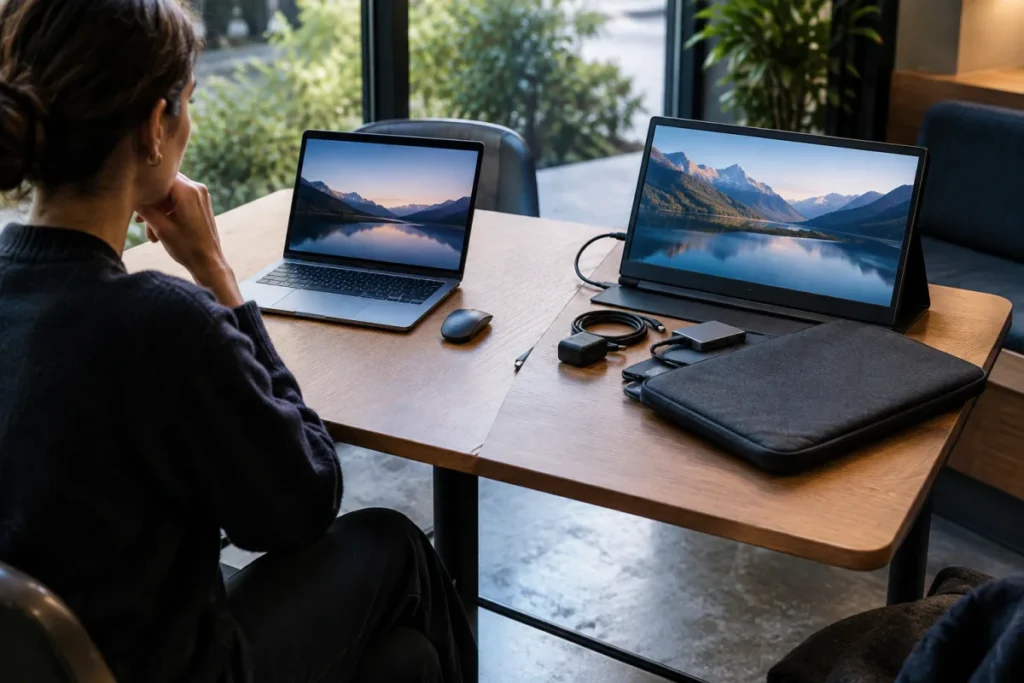
Every item has a burden beyond weight. It needs space, protection, charging, cables, adapters, setup attention, and mental tracking. That burden is your friction budget.
Before adding gear, ask what it costs in motion. A portable monitor may be valuable for spreadsheet work, design review, coding, or side-by-side documents. It may also require a sleeve, a stable stand, enough desk space, display-compatible ports, and the right cable. If you use it daily, the burden may be justified. If you carry it for one imaginary emergency, it is probably luggage theater.
The same applies to hubs, stands, microphones, lights, and routers. A compact accessory that solves a repeated pain point is useful. A gadget that creates a new setup ritual can quietly make the day worse. The best upgrades feel boring after a few trips because they simply remove a recurring problem.
The arrival routine matters as much as the packing list

A good mobile office starts working before the first deadline. When you enter a room, run a quick workspace scan before unpacking everything.
- Find the strongest practical work surface, not necessarily the official desk.
- Check outlet reach before placing the laptop.
- Run a quick internet test from the seat where you will work.
- Open your video app and check camera angle, background, and lighting.
- Set up posture gear before you are already deep into work.
- Choose where each cable lives so repacking is automatic.
This routine takes minutes and prevents the classic mistake: fully unpacking into a bad position, then discovering the outlet is behind the bed or the Wi-Fi drops near the desk. Small checks early are less annoying than rebuilding the setup under pressure.
What to leave out on purpose
Leaving things out is not minimalism for its own sake. It is how you make the remaining setup dependable. Skip accessories that only solve rare problems, duplicate another item’s job, or require conditions you cannot count on.
Common candidates for removal include a second charger that never leaves the pouch, adapters for displays you do not expect to use, a bulky stand for short trips, and cables with unknown ratings. The quiet villain of a travel kit is mystery hardware: the unlabeled cable that might support charging, data, or display output, but you only find out when a meeting starts in 11 minutes.
After each trip, do a quick audit. What stayed in the bag? What caused friction? What did you borrow, buy, or wish you had? This turns travel annoyances into measured upgrades instead of impulse purchases.
A practical next step
If your current setup feels improvised, do not rebuild it all at once. Choose one failure mode and fix that first. For many people, the order is connectivity, power, posture, then display space. That sequence protects the workday before polishing the workstation.
The mobile-office mindset is ultimately a way of staying ready without carrying a whole office. Design for the room you have not seen yet, the outlet in the wrong place, the call that starts too soon, and the bag you still need to close. When the system is built around uncertainty, travel work feels less like recovery and more like a controlled setup you can repeat.