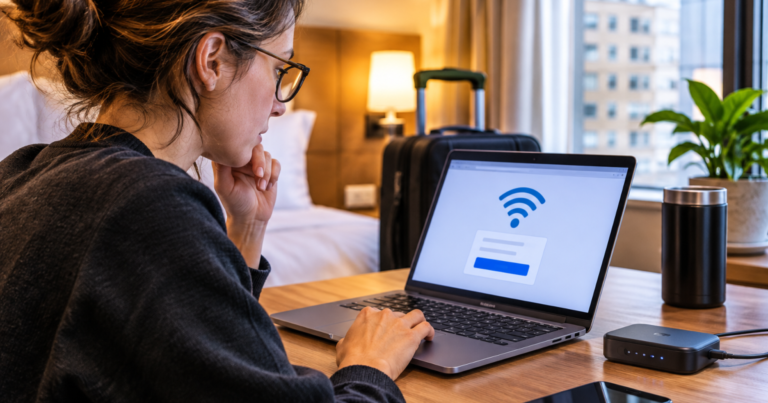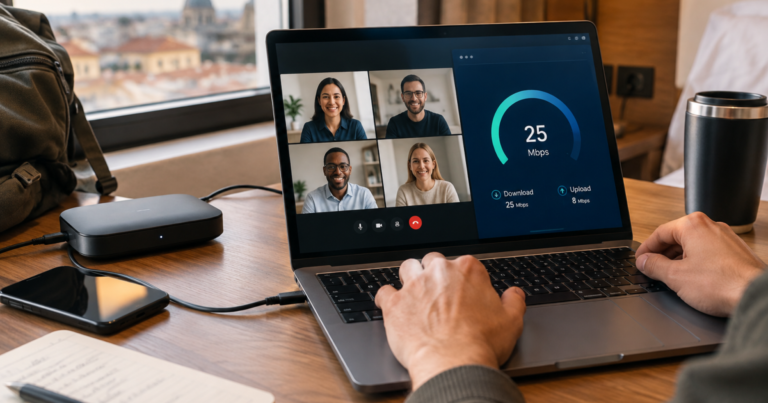
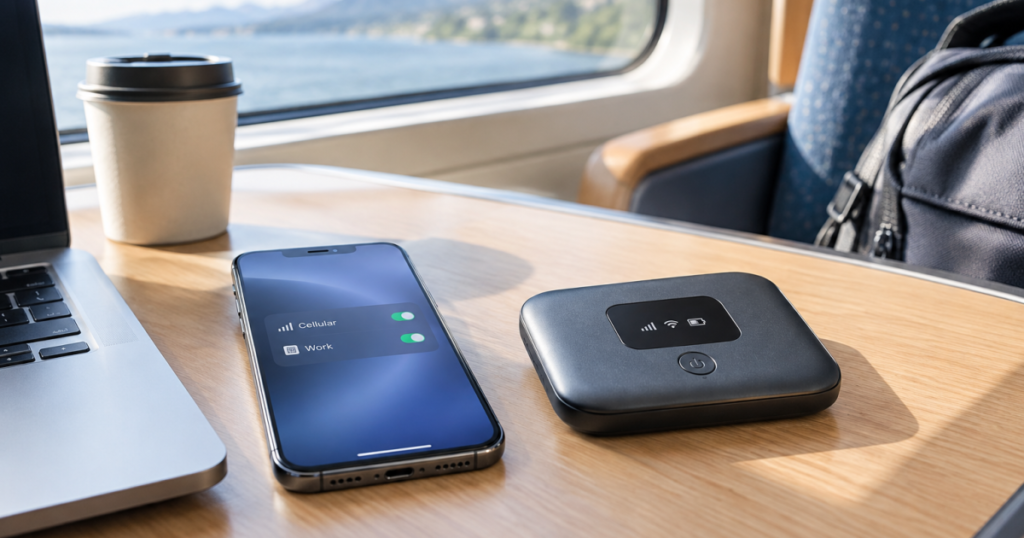
When hotel Wi-Fi collapses 12 minutes before a client call, the backup connection is no longer a nice-to-have. The real decision behind phone hotspot vs dedicated mobile hotspot is whether your fallback should live inside the phone you already carry or in a separate pocket Wi-Fi device built to share cellular data with your laptop and meeting gear.
For many travel workers, a dual-SIM phone is the cleanest answer: fewer devices, faster setup, and one less battery to babysit. For call-heavy days, multi-device workflows, or trips where your phone is also your map, authenticator, camera, and emergency line, a dedicated pocket Wi-Fi unit can reduce stress by separating your internet backup from everything else your phone has to do.
Main points
- A dual-SIM phone is usually enough if you need a backup for email, cloud docs, occasional video calls, and short tethering sessions.
- Pocket Wi-Fi is stronger as a workday tool when you need to keep a laptop, tablet, and maybe a second phone online for several hours without draining your main phone.
- Neither option is automatically more reliable. Reliability depends on the carrier, local signal, network congestion, device placement, data plan limits, and whether tethering is allowed.
- For work calls, upload quality matters more than headline download speed. A smooth meeting needs stable upstream performance, not just a big number in a speed-test app.
- The safest setup is often layered: test the hotel Wi-Fi first, keep a cellular fallback ready, and know which connection you will use if the call starts to stutter.
What the two setups really mean
Dual-SIM phone
A dual-SIM phone can hold two active cellular lines, depending on the phone model, carrier support, and whether the lines use physical SIM cards, eSIMs, or a mix of both. The travel-work appeal is obvious: you can keep your regular number active while adding a second carrier or travel data plan, then share that connection with your laptop through the phone’s hotspot feature.
This is the lowest-friction backup. You already pack the phone, already charge it, and already know its settings. It also makes sense for short trips where your risk is not constant connectivity failure but the occasional weak hotel network, airport delay, or rental with optimistic Wi-Fi photos.
Pocket Wi-Fi
Pocket Wi-Fi is a portable cellular hotspot: a small device with its own cellular connection that creates a Wi-Fi network for your laptop and other devices. In the US, people may also call these mobile hotspots, MiFi devices, or travel hotspots. Some are tied to a carrier, some are sold as unlocked devices, and some are bundled with international data services. The exact SIM, eSIM, carrier band, and plan support varies, so those details need checking before you rely on one for work.
The value is separation. Your laptop’s backup internet does not have to compete with your phone’s battery, calls, navigation, two-factor authentication, and messaging. If you are shopping standalone devices, compare options such as NETGEAR Nighthawk M6 and Inseego MiFi X PRO 5G UW by carrier compatibility, lock status, data plan rules, charging method, and how easily you can manage them on the road. Do not assume a hotspot device is useful everywhere just because it is portable.
The work-call decision matrix
For remote work travel, the better option is the one that fails more gracefully under pressure. A video call does not care how elegant your setup is; it cares whether your connection stays steady when the hotel network drops, your phone gets hot, or your laptop VPN reconnects at the worst possible moment.
Choose a dual-SIM phone when
- Your calls are occasional. If you mainly need a backup for one or two meetings, tethering from a phone is simple and quick.
- You travel light. A phone-only fallback avoids another device, cable, pouch slot, and charging routine.
- You want carrier diversity without more hardware. A second line from a different carrier can be useful when one network has poor coverage in a specific hotel, airport, or neighborhood.
- You use eSIMs often. Phones generally make eSIM activation and switching easier than many standalone hotspot devices, though plan rules still matter.
- You can stay near power. Phone hotspot use can drain the phone quickly, so this approach works best when outlets, a charger, or a power bank are close.
- Your laptop is the only tethered device. The fewer devices you connect, the less strain you put on the phone and the simpler the setup remains.
Choose pocket Wi-Fi when
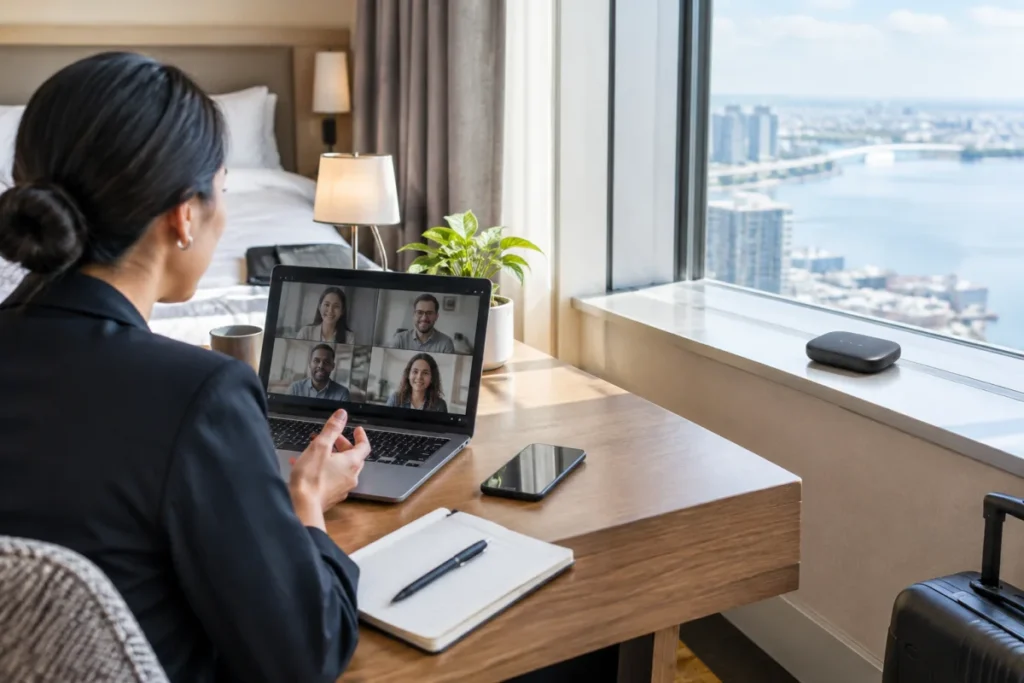
- Your workday is call-heavy. A separate hotspot keeps the connection role away from your primary phone during back-to-back meetings.
- You connect multiple devices. A laptop, tablet, second screen device, and work phone can make a phone hotspot feel crowded and fragile.
- You need your phone free. If the phone is also handling MFA prompts, calendar changes, ride-share pickups, maps, and client messages, using it as the internet pipe adds unnecessary dependency.
- You want better placement flexibility. A hotspot can sit by a window while your laptop stays on the desk, which may help if the strongest cellular signal is not where you want to work.
- You share backup internet with a travel partner or small team. A dedicated unit is cleaner than routing everyone through one person’s phone.
- You work long sessions away from outlets. A separate battery gives you another point of endurance, though it also adds another item to charge and monitor.
Reliability is not just signal bars
Signal bars are a rough hint, not a work-call guarantee. A dual-SIM phone with a strong carrier in one city can underperform in a concrete hotel room. A dedicated hotspot on a congested plan can look promising until everyone in the building is online after dinner. The right comparison is not phone versus device in the abstract; it is carrier, plan, placement, and workload.
Start with the actual call requirement. Video meetings care about upload, latency, jitter, and consistency. If you are trying to judge whether a connection is good enough, compare your results against the call platform and meeting type rather than a vague fast or slow label. For a deeper benchmark, use this guide to whether 25 Mbps is enough for Zoom and Teams while traveling.
A dual-SIM setup can be very resilient if the two lines are on meaningfully different networks. It is less helpful if both lines ride on the same underlying coverage in the place where you are staying. A pocket Wi-Fi device can also be resilient if it uses a carrier that performs well in that location. It is not magic; it is just a separate cellular path.
Battery drain and heat change the experience
Phone hotspot mode asks one device to do a lot: maintain a cellular connection, broadcast Wi-Fi, run background apps, receive calls, handle notifications, and keep the screen ready for everything else. During a short call, that is usually manageable. During a half-day of tethering, it can become annoying fast, especially if the phone is warm, low on battery, or needed for travel logistics after the meeting.
Pocket Wi-Fi shifts that load onto a separate battery. That can make a workday feel calmer because your phone is no longer the single point of failure. The trade-off is upkeep. You have to charge the hotspot, pack its cable, know its admin password, and confirm the data plan is active before the important call. A forgotten hotspot battery is just a nicely shaped paperweight.
If your backup plan depends on external battery packs, pack them with air travel rules in mind. Spare power banks belong in carry-on baggage, and capacity limits can matter; this site’s spare lithium-ion power banks carry-on-only rule is a useful pre-trip check before you build a charging-heavy connectivity kit.
Carrier flexibility, eSIMs, and data limits
Dual-SIM phones shine when you want to mix your regular line with a second carrier or travel eSIM. That can be especially useful on domestic trips where one carrier performs better in the conference hotel and another performs better near the airport. It also keeps the purchase simple because you are not buying a separate cellular device.
But tethering rights are not the same as phone data. Some plans limit hotspot data, reduce speeds after certain thresholds, or restrict tethering on specific travel SIMs or eSIMs. The plan terms matter more than the marketing name. Before you depend on a dual-SIM phone for a client call, verify that the active line allows hotspot use on the device you will be using.
Pocket Wi-Fi can give you a cleaner data bucket for work, but the same caution applies. A dedicated hotspot may require its own plan, may be locked to a carrier, and may not support the bands or SIM format you want for a particular trip. International pocket Wi-Fi rental services can be convenient, but they introduce pickup, return, coverage, and fair-use questions that you should resolve before travel day.
VPN behavior and corporate laptops
Most laptop VPN clients do not care whether the Wi-Fi comes from a phone or a pocket hotspot; they see a network and try to connect. The problems tend to appear around captive portals, unstable connections, strict corporate security policies, DNS behavior, or a connection that drops and returns with a different network path.
That is why the boring test is the valuable one: connect the laptop to the hotspot, turn on the VPN, open the cloud tools you need, join a test meeting, and leave it running long enough to notice dropouts. Do this before the trip if possible, then repeat it on arrival. A backup internet plan that has never met your work laptop is still a theory.
For sensitive work, follow your employer’s approved security practices. Do not assume a pocket Wi-Fi device is automatically safer than hotel Wi-Fi, and do not assume a phone hotspot bypasses every corporate restriction. The device is only one part of the access path.
How this fits with hotel Wi-Fi
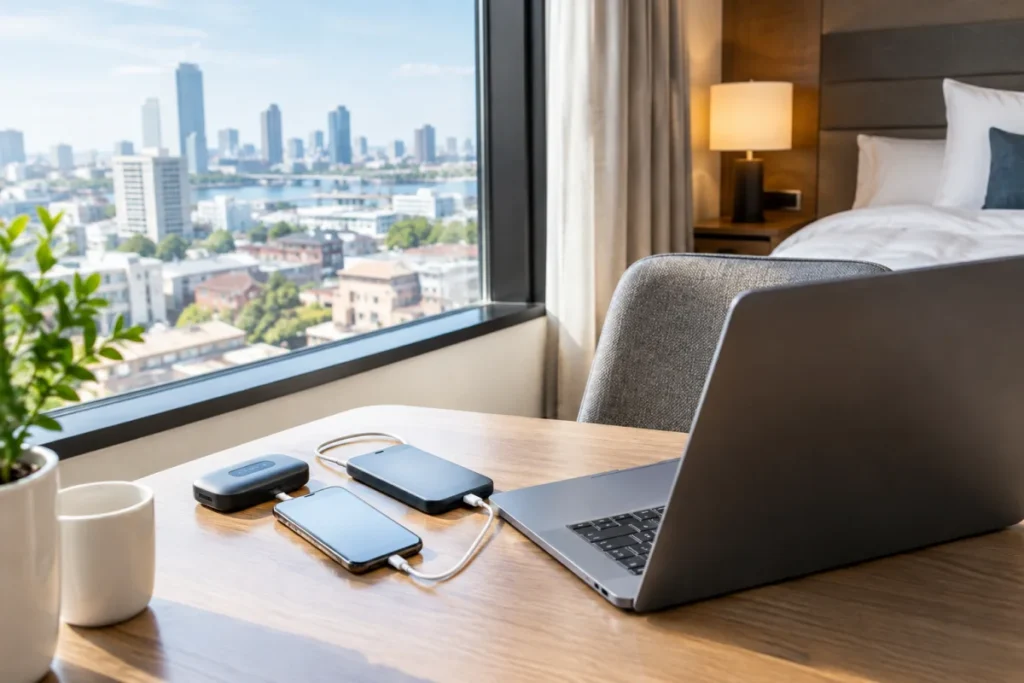
The best travel setup is not always cellular-first. Hotel Wi-Fi can be perfectly workable for cloud apps and calls, and it saves cellular data when it behaves. The problem is uncertainty: you rarely know the real desk location, router distance, upload quality, or evening congestion until you are already there.
Use cellular as the fallback layer, not the only plan, unless you already know the property is unreliable or your work is too important to gamble on shared Wi-Fi. Before booking a high-stakes work stay, check what you can in advance: property reviews, workspace photos, business amenities, and any available network details. This guide on checking hotel Wi-Fi before booking a work stay gives you a better screening routine than simply trusting laptop-friendly language.
On arrival, run a small rehearsal. Put the laptop where you will actually work. Join a test call. Try the VPN. Test your phone hotspot and, if you carry one, the pocket Wi-Fi. Place the cellular device near a window and compare. The goal is not to chase perfect numbers; it is to know which connection you will switch to without panic.
Common mistakes that make either option worse
- Buying the device before choosing the carrier. Coverage and plan rules matter more than the hardware silhouette.
- Assuming unlimited means unlimited tethering. Phone data, hotspot data, roaming data, and deprioritized data can be treated differently by plans.
- Testing only download speed. Work calls need stable upload and low disruption, not just fast file downloads.
- Letting the phone become the only lifeline. If it handles hotspot, navigation, authentication, calls, and emergency contact, one dead battery can disrupt the whole day.
- Forgetting physical placement. A hotspot buried in a backpack under a desk may perform worse than the same device by a window.
- Skipping the laptop test. Your backup is not ready until your actual work laptop, VPN, meeting app, and audio setup have used it successfully.
- Overbuilding for rare emergencies. A pocket Wi-Fi device is useful only if you charge it, maintain the plan, and carry it consistently. Otherwise, a simpler dual-SIM phone may be more dependable in practice.
Common questions
Is pocket Wi-Fi better than a phone hotspot for Zoom or Teams?
Pocket Wi-Fi can be better for long or frequent calls because it preserves your phone battery and can be placed where the cellular signal is strongest. It is not automatically faster or more stable. The carrier, local coverage, congestion, and data plan decide the real call quality.
Is a dual-SIM phone enough for remote work travel?
Yes, a dual-SIM phone is enough for many remote workers who need a backup connection for a single laptop and occasional meetings. It becomes less comfortable when you have back-to-back calls, multiple devices, limited outlet access, or a phone that must stay available for travel and authentication tasks.
Should the second SIM be on a different carrier?
For backup purposes, usually yes. The point of a second line is resilience. If both lines depend on the same underlying coverage where you are staying, they may fail in the same places. Carrier diversity gives you a better chance of finding a usable signal.
Can a pocket Wi-Fi device replace hotel Wi-Fi entirely?
It can, but that is not always the most efficient plan. Cellular data may be limited, congested, or weaker indoors. For a full work stay, treat pocket Wi-Fi as either a primary connection you have tested in that location or a fallback you can switch to quickly when hotel Wi-Fi drops.
What stands out
If you want the leanest setup, choose a dual-SIM phone with a second carrier and a data plan that explicitly allows hotspot use. It is fast to deploy, easy to pack, and good enough for many travel workdays. This is the better choice for solo workers who mainly need insurance against bad Wi-Fi, not a separate mobile office network.
If your work calls are frequent, high-stakes, or device-heavy, pocket Wi-Fi earns its bag space. The strongest reason is not glamour or gadget appeal; it is role separation. Your phone stays available for the rest of the trip, while the hotspot handles the laptop connection. That separation can make a temporary desk feel much less improvised.
The most dependable answer is often a measured stack: hotel Wi-Fi when it is solid, dual-SIM cellular as the quick fallback, and pocket Wi-Fi when the workday justifies a dedicated connection. Pick the lightest setup that matches the consequence of failure. A casual check-in call and a board presentation do not need the same backup plan.